Scout Made / Brand, Website & Business Systems
AI & Web Builds
Brand, Website & Business Systems
Founder · Brand Strategy · Website & Workflow Development
I started Scout Made to connect growing consumer brands with content creators. I built the brand, website, and tools to run the business myself, with AI assistance from concept through launch. My goal was to make it clear what Scout Made offers and easy for brands and creators to get in touch.
The bulk of my AI work went into building the site itself and the tools behind it that keep things running. Website forms connect to Google Workspace through custom Google Apps Script code, saving client inquiries and creator signups to Google Sheets.
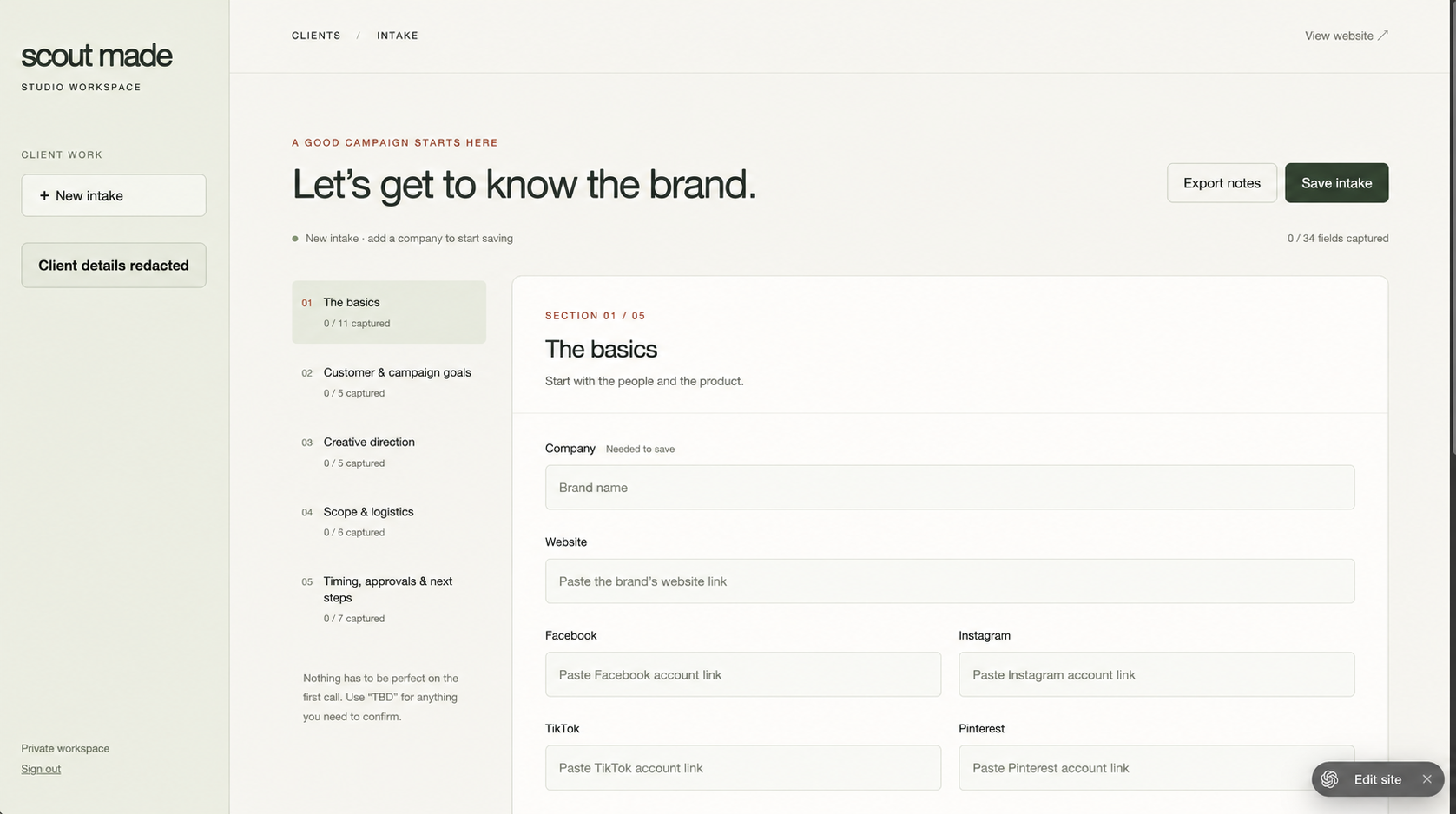
I also built a private admin area where I can manage client intake, review a metrics dashboard, and keep an eye on the health of the business in one place. Custom connections let an AI assistant pull website and search data so I can ask questions about how the site is performing.
The website code lives in a private GitHub repository. I use separate branches to work on updates, test them in a preview, and review the changes before publishing. I also developed an efficient workflow for planning, writing, and publishing blog posts, with reusable layouts and search settings built in.
Brand strategy · Website design · AI-assisted building · Business workflows · Website analytics
MY WORK
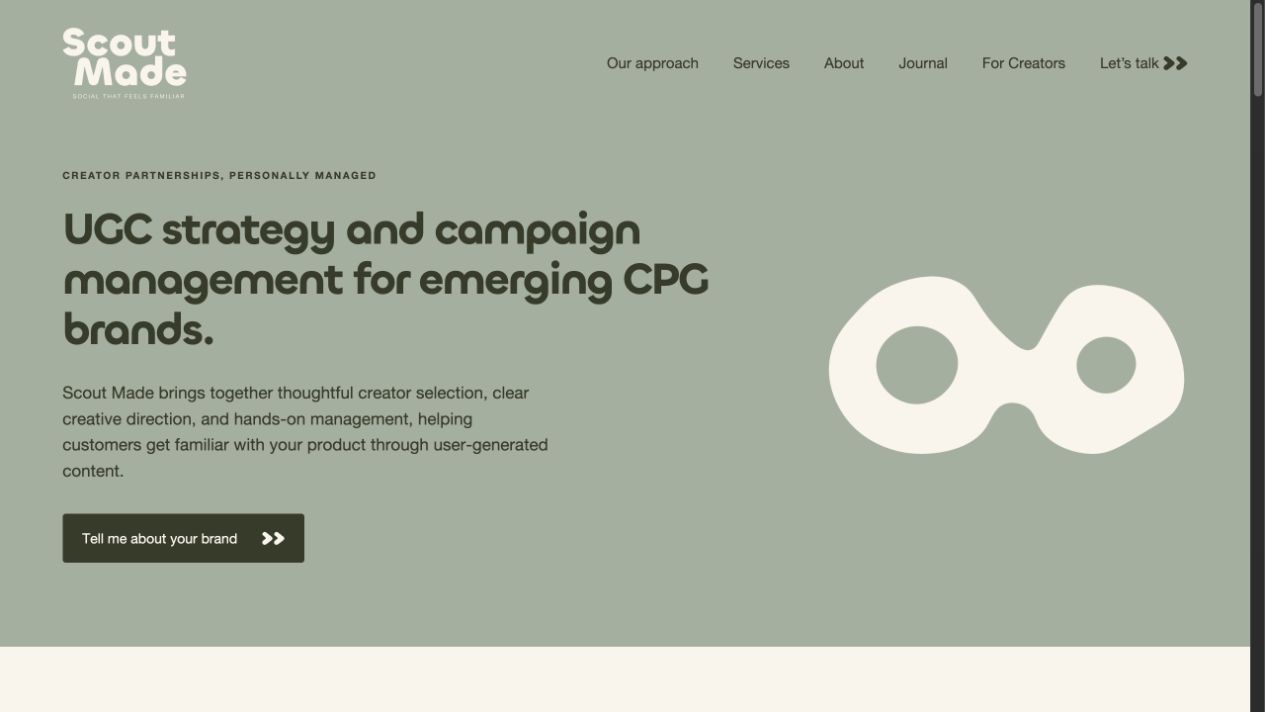
From brand direction to a working website.
I created the brand’s look and messaging and designed the website for desktop and mobile. I also developed an efficient blog workflow, from planning and writing posts to publishing them in reusable layouts, with page titles, descriptions, and a sitemap to help search engines understand the site.
Making inquiries and client work easier.
- Client inquiries
- Website inquiries are automatically saved to Google Sheets. The forms check for missing information, filter spam, avoid duplicate entries, and let visitors know their message went through.
- Creator registration
- Creators can share their social profiles, location, interests, and the kinds of partnerships they want. If someone signs up again with the same email, their existing record is updated.
- Private client workspace
- A private admin area brings together client intake and a metrics dashboard so I can oversee the business in one place. The intake workspace saves progress automatically, shows what still needs to be filled in, and lets me download client notes.
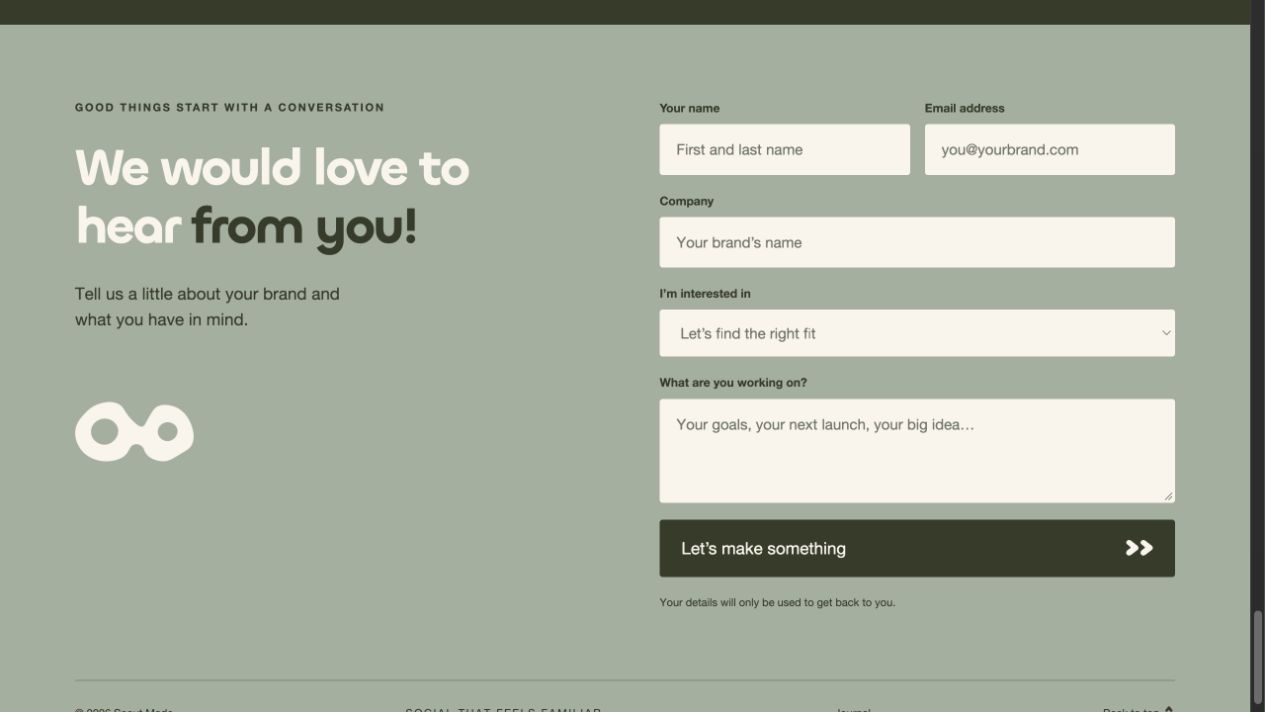
Connecting the tools behind the business.
I connected the forms to Google Sheets so new inquiries are recorded automatically. I also connected an AI assistant to website and search reports so I can ask questions about visits, searches, and completed forms.
01 / Saving new inquiries
- Website form
- Check details, filter spam & avoid duplicates
- Google Sheets
Google Apps Script moves form responses into the spreadsheet automatically.
02 / Understanding website performance
- AI assistant
- Connection to reporting tools
- Website & search data
- Answers to my questions
I used MCP, a way to connect AI assistants to other tools, to give the assistant access to Google Analytics and Google Search Console reports.
I set up Google Analytics to track site activity and completed forms, plus Google Search Console data to understand how people find the site through search.
BEHIND THE WORK
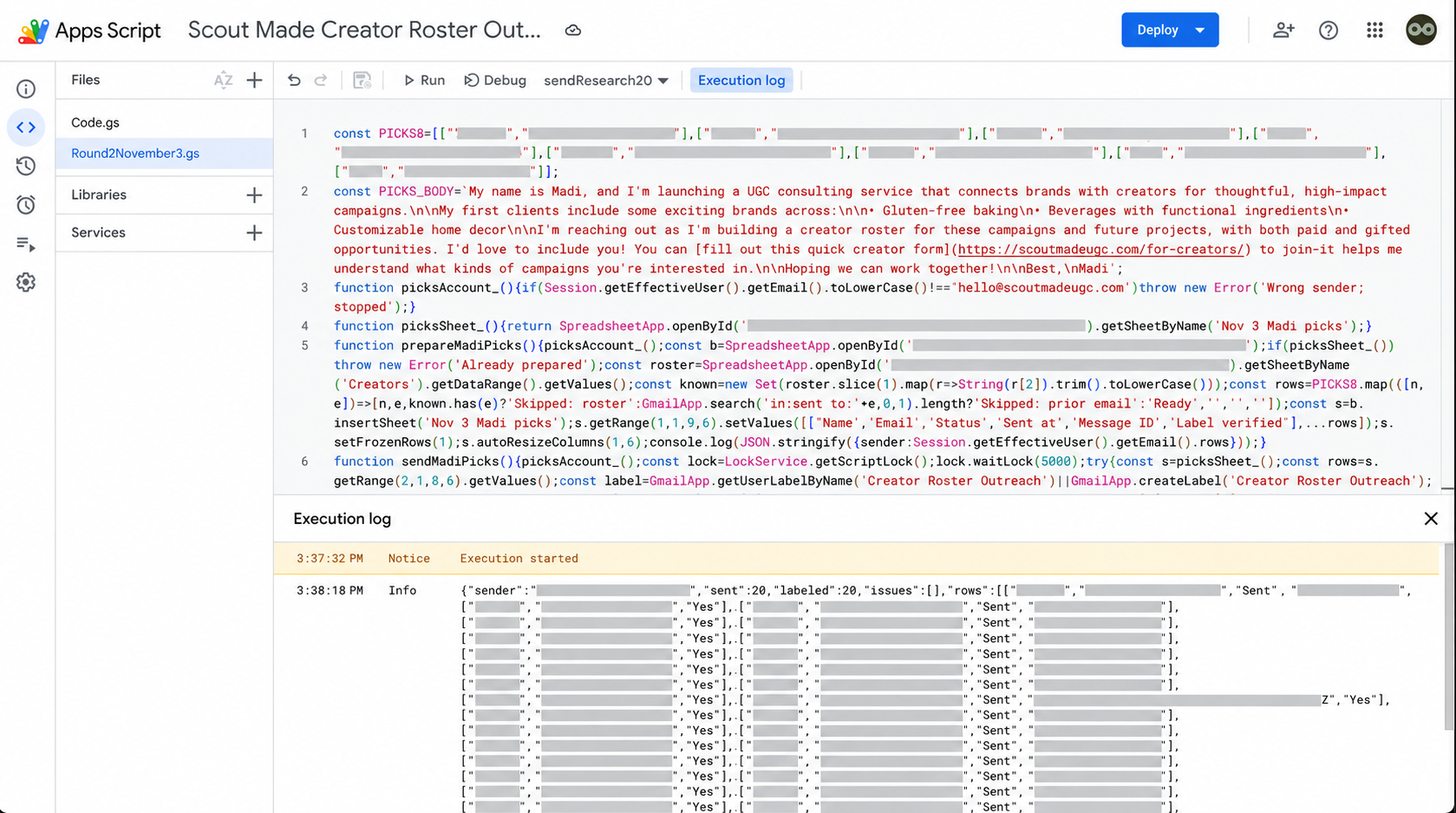
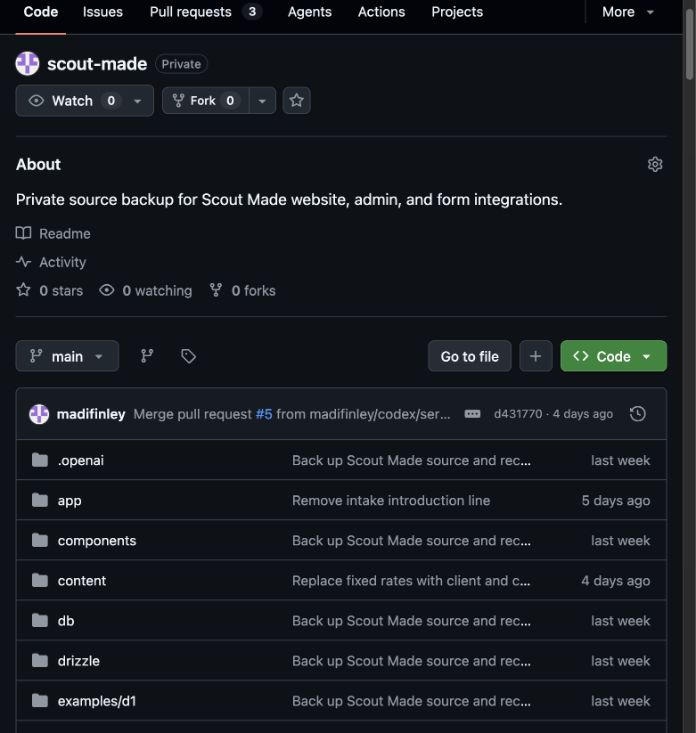
I tested changes in a separate preview before updating the live site. The code is stored in a private GitHub repository.